

We’re Going Great Places Together
Hey, Kingdom Crew! Take a couple of minutes to review our updated team guidelines regarding blockout dates + complete the next steps below by this Friday 2/13. Thank you!
How to Add Blockout Dates: Upon opening the Planning Center Services app, navigate to the Schedule tab and tap “Add Blockout” at the top. On this page, you can add in your dates as well as submit your reasoning for blocking out that date. After including all necessary information, you can simply tap the checkmark at the top to submit your blockout date.
Your Next Step
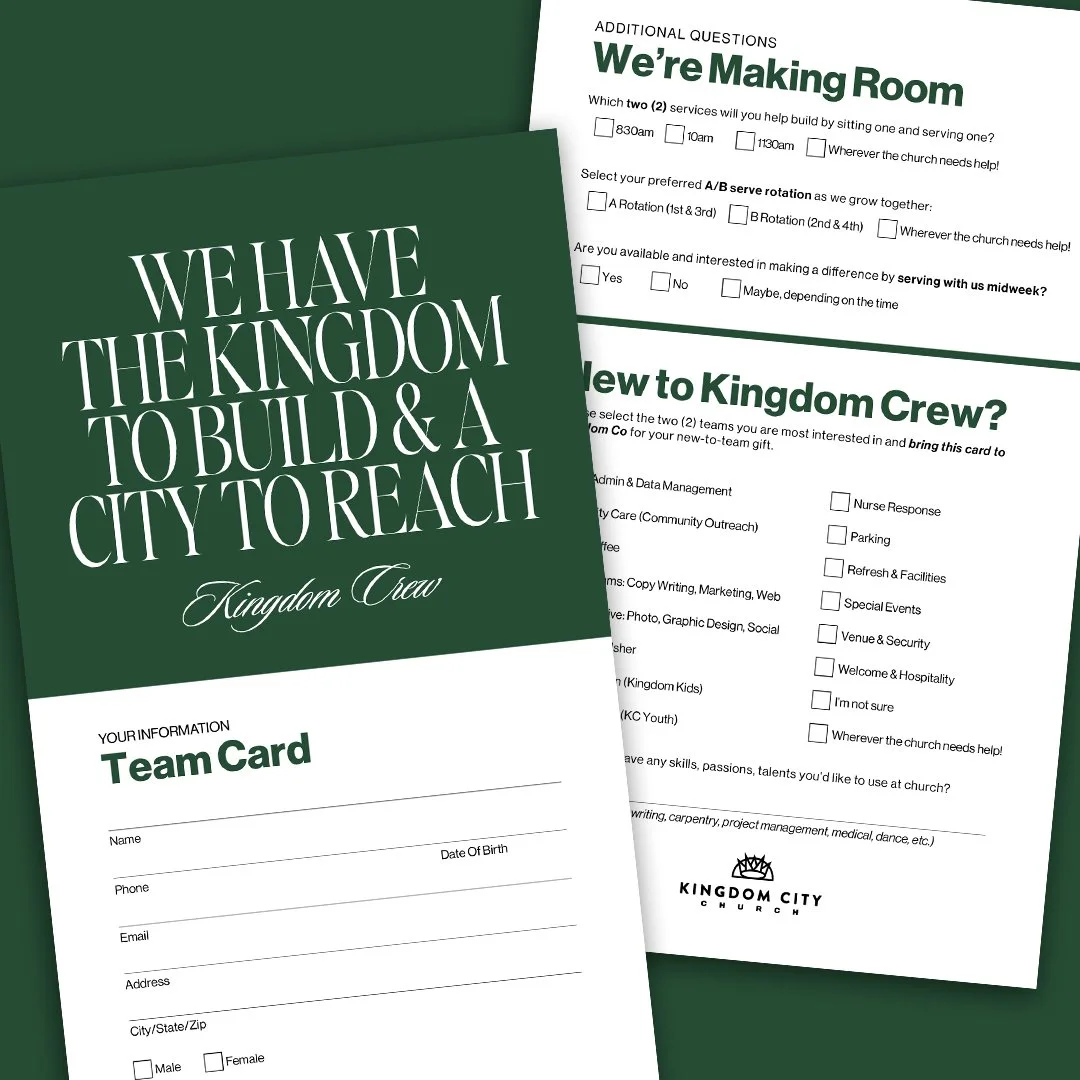
TEAM CARD
Whether you’re on the team already or new to the team, please share more about your preferred serve time, rotation, and availability as we update our serve rhythms in the near future.

Share Your Feedback
Kingdom Crew, we want to hear from you! Take 5 minutes to complete this short survey sharing feedback of your experience on the team.

Apply for Service Coordinator
As we expand our services, we are also creating new leadership development opportunities. Applications now open.